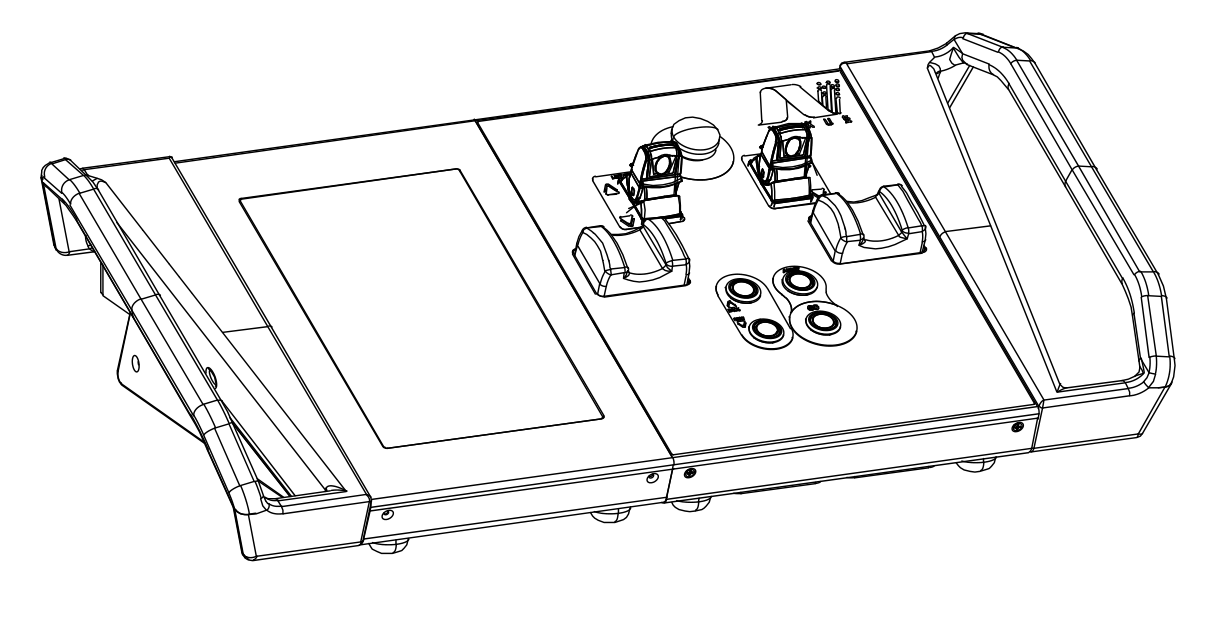
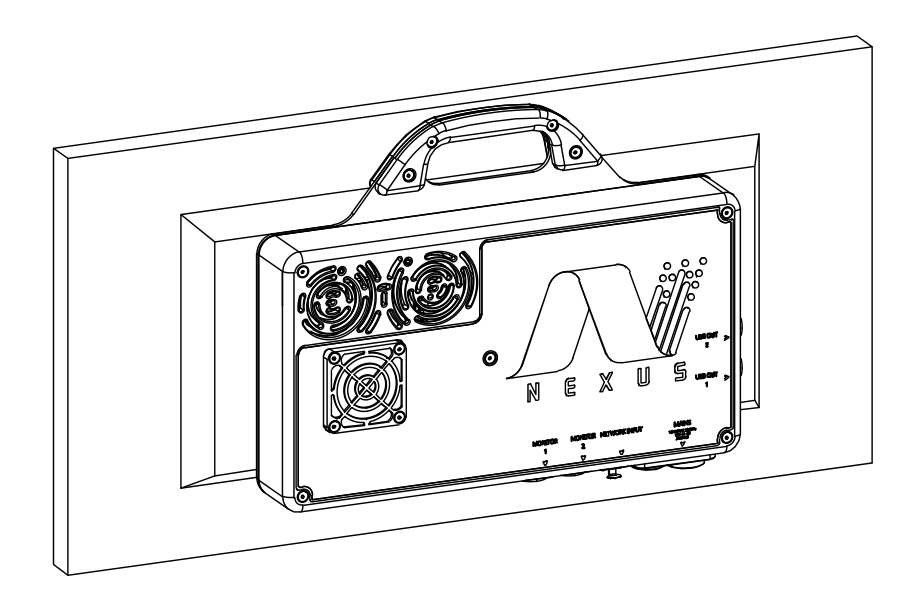
NexusMOVE
Program the movement
Run the show
Bring cue programming, coordinated machinery, and live system feedback together in one operator workspace. NexusMOVE connects the movement you program with the equipment that performs it.
- 100 axesMaximum system capacity
- 1 + 5 playbacksPrimary + sub-playbacks
- 10 axes per groupCoordinated group control
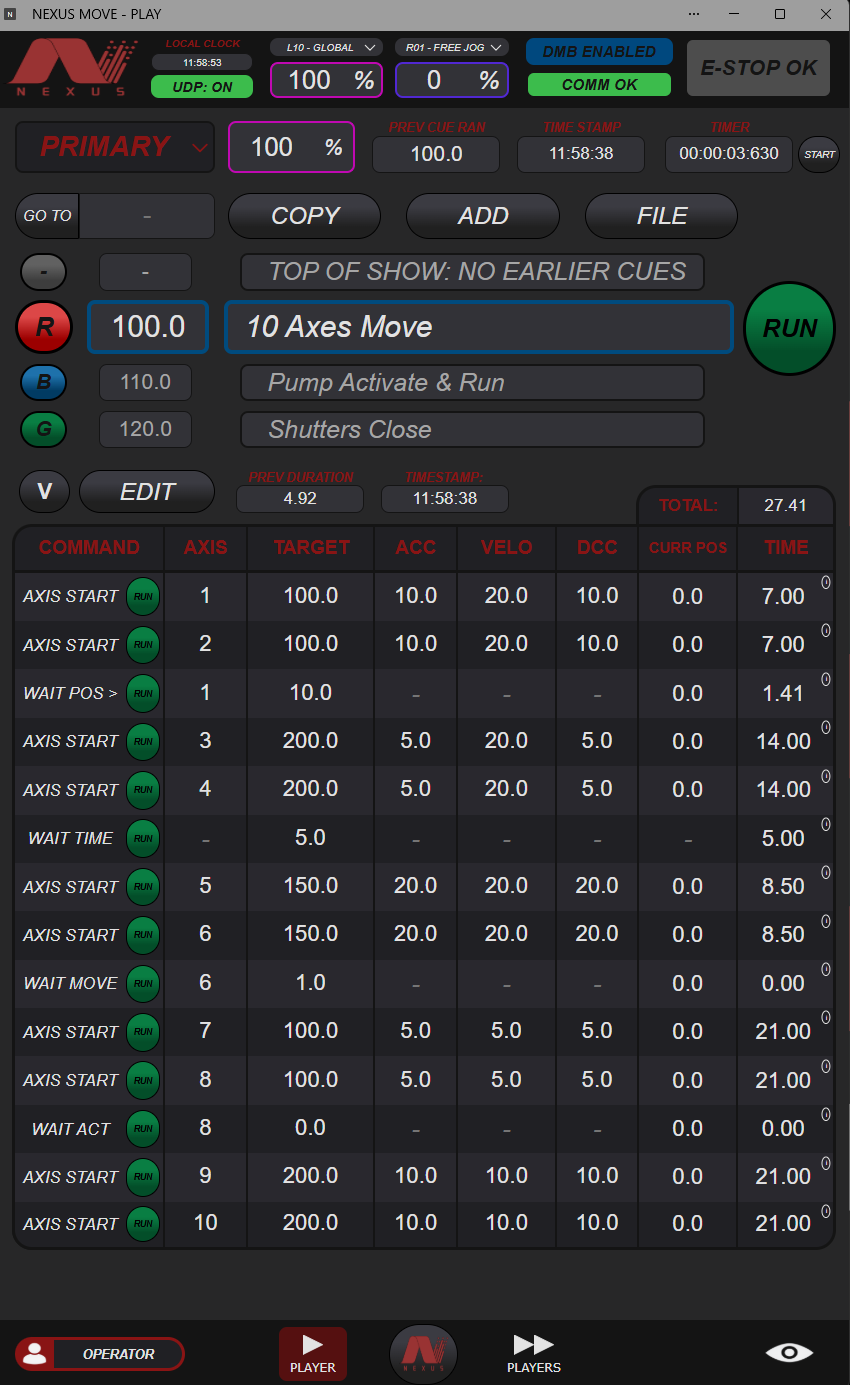
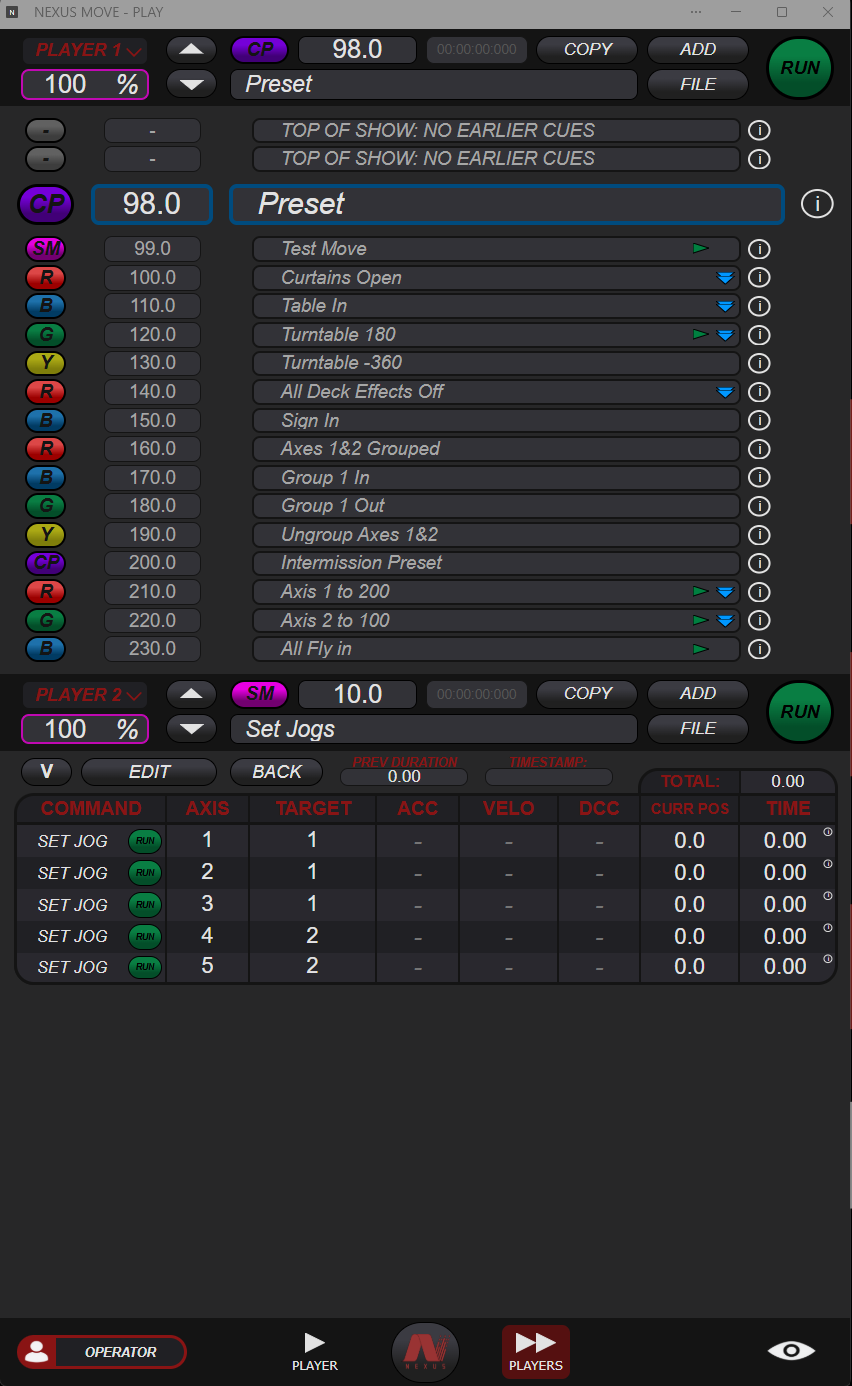
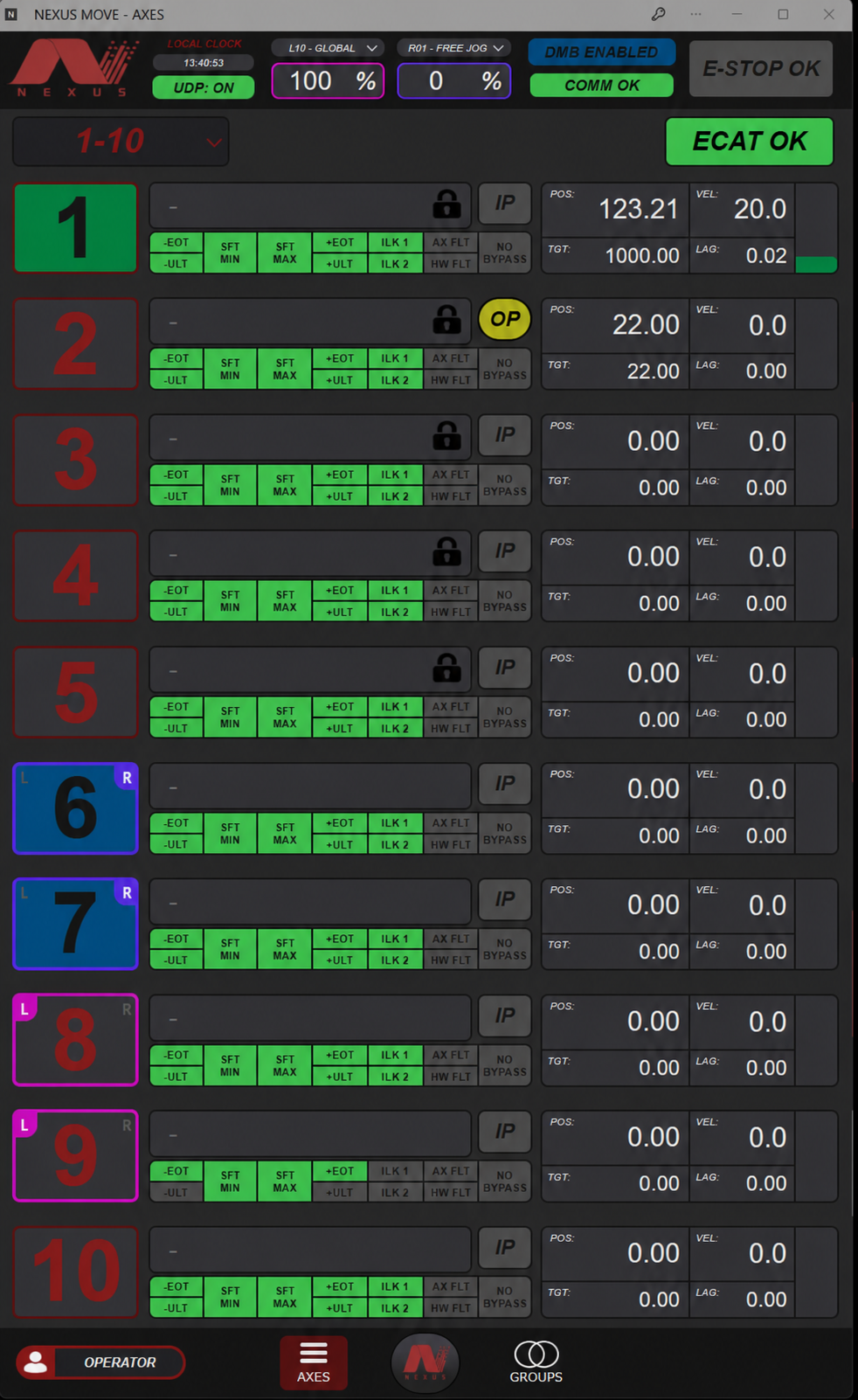
Portrait windows fit the touchscreen built into Motus, or tile three across a landscape 27-inch monitor. Keep the primary cue, sub-playbacks, and axis feedback visible together.
Build the show around the movement
Program individual moves or coordinated sequences across your machinery. Set acceleration, velocity, and deceleration, or program toward a specified time to target using tracked starting positions.
One primary playback and five sub-playbacks let you organize different sequences within the show. Launch sub-playback cues from the primary playback and use conditional commands to connect each step to what the machinery is doing.
- Sequence around the machine
Wait for position, motion, activation, limits, rules, or elapsed time before continuing. - Choose how each cue advances
Assign a name, number, and cue light; choose manual or automatic advancement and whether completion waits for motion. - Execute on real-time controllers
Cue execution, rule evaluation, group management, and axis control run on the system’s real-time controllers.
Keep rehearsals moving
Adjust a named target once and carry that position change through every cue that uses it. Restore machinery to its tracked show positions when jumping between moments during technical rehearsals.
Run individual command lines, bypass selected lines, and adjust speed globally or by playback. Live and Blind modes provide different ways to view cue data as you work through the show.
Physical and software Go and Abort controls support operation by playback and individual cue line.
Move together
Stay coordinated
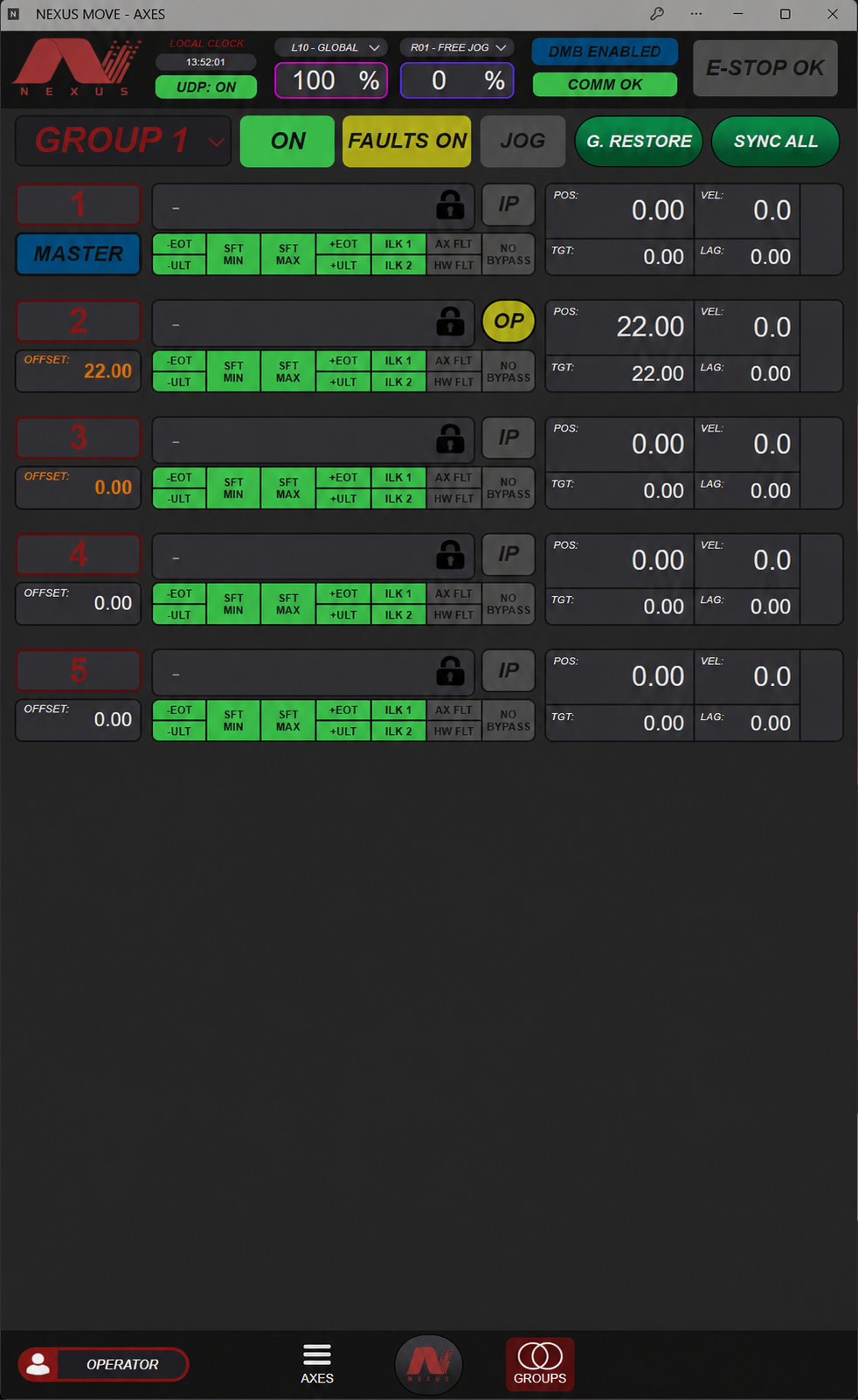
Move machinery individually or organize up to ten axes into a group. Command, jog, and restore the group using a master axis and configured offsets for the other axes.
Lock a group to require group commands, or allow its axes to be controlled independently. Configure synchronization tolerances and choose whether a fault on one axis should fault the other members.
For manual operation, assign individual or multiple axes to jog sticks, or use Jog to Target for a specified axis.
- Group Activate
Activate or deactivate the group, releasing or engaging its brakes. - Group Enable
Turn group management on or off manually or through a cue. - Group Start
Command the master target and the other axes’ corresponding offsets with a shared motion profile.
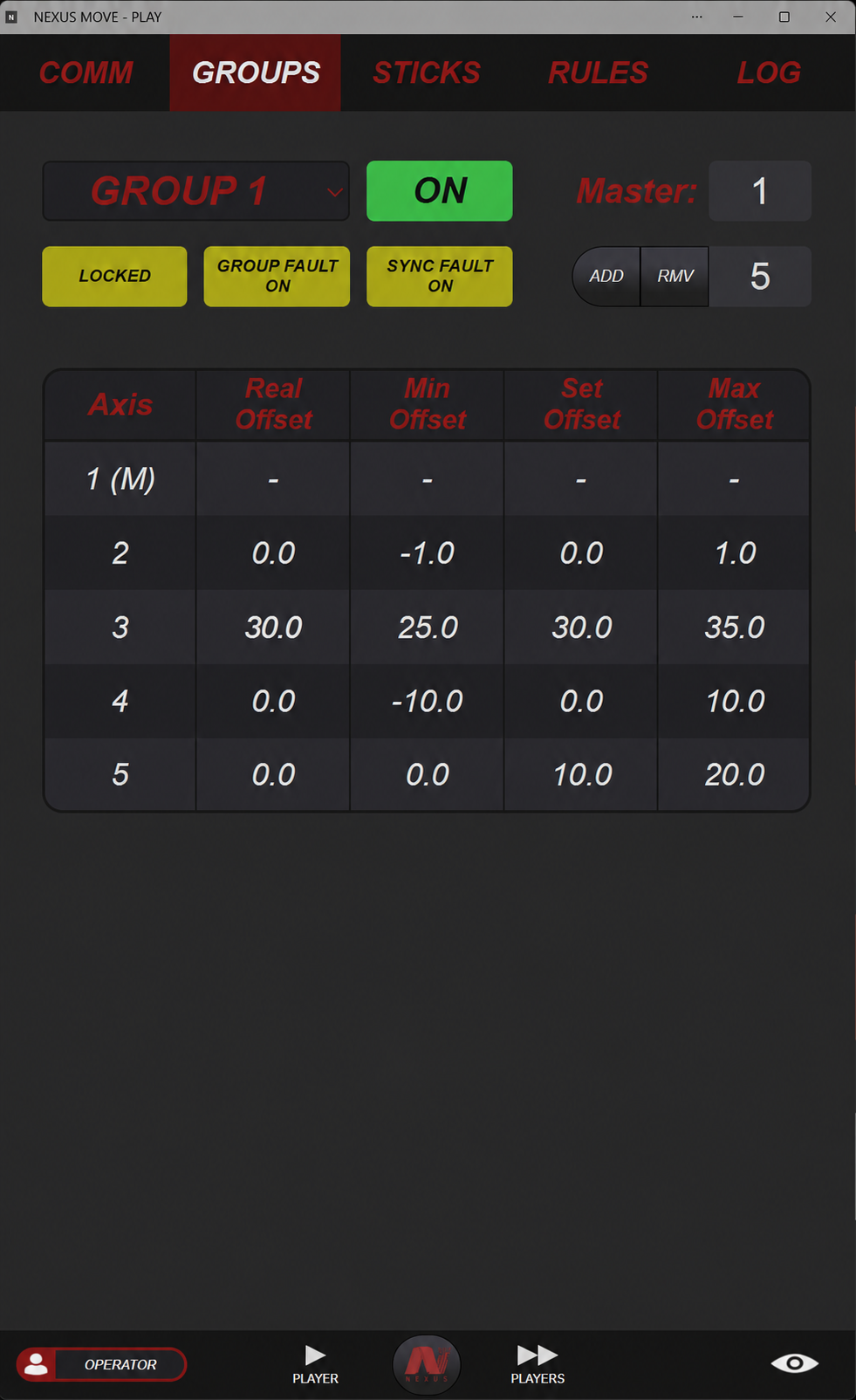
Define the relationships between moving elements
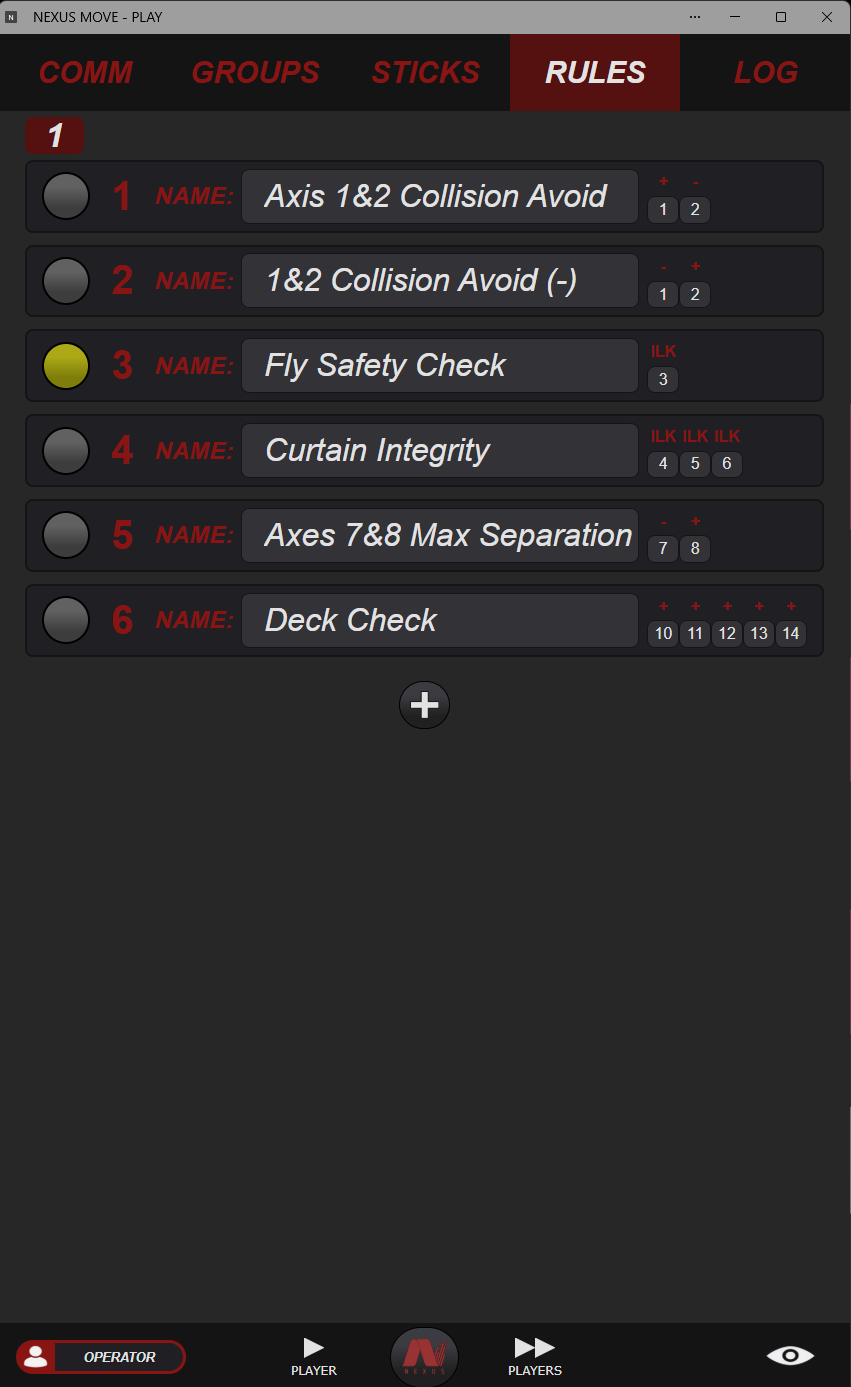
Create rules that compare an axis position with another axis or a fixed value. Add offsets and combine comparisons with AND/OR logic to express the relationships your production requires.
When a rule is triggered, it can restrict positive motion, negative motion, or both for up to five axes. Rules can be enabled or disabled manually or through cue commands.
Use these controls to establish positional boundaries and movement restrictions between scenic elements.
See what the system is doing
Monitor axis position, target, velocity, and lag alongside limit, interlock, and fault indicators. Group views bring related axes together so their offsets and status can be reviewed in one place.
Live event logs provide a record of system activity. Available diagnostics include drive and motion-controller fault histories, current amperage, and peak amperage.
Explore the Axis View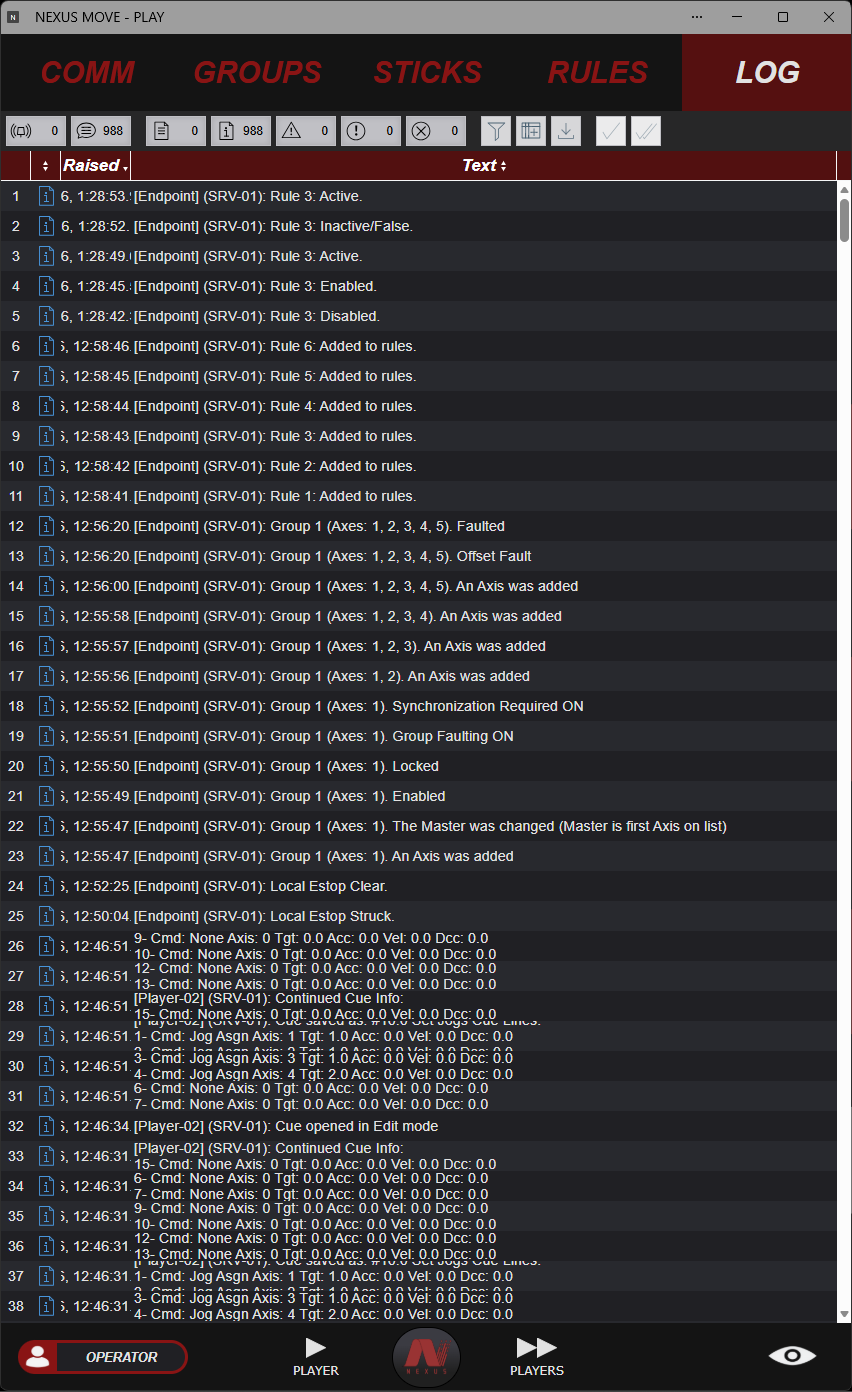
Connect machinery
and departments
Coordinate axes, hydraulic pumps, and configurable field I/O through the Nexus system. Share live motion and cue information with the other departments working alongside your machinery.
Nexus machinery + custom builds
Native Nexus equipment uses AIC-142x interfaces and compatible drive hardware. Configurable field I/O connects sensors, outputs, and other machine functions.
Explore Nexus controllersCompatible third-party equipment
AIC-IPx supports integration with compatible third-party axis systems, including ADC Axis1 equipment. Wireless axis control is available with specially configured systems.
Explore control retrofitsLive data for other departments
Stream live position and velocity data through PSN, and send live cue information to Vor through OSC to support coordination across the production.
Discuss your integrationExplore the technical capabilities
Review the motion settings, machine configuration, controller interfaces, and commands available when developing a Nexus system.
Motion settings + machine configuration
- Position and motion
- Scalable position and velocity units, soft limits, default positions, named targets, and in-target deadbands.
- Motion profiles
- Minimum velocity, maximum and default acceleration/velocity/deceleration, restore settings, abort deceleration, and jerk (S-curve).
- Manual movement
- Minimum and maximum jog velocities, maximum jog acceleration, assignable jog sticks, and Jog to Target.
- Encoder configuration
- Incremental or absolute primary encoders, primary encoder settings, and optional secondary encoders and their settings.
- Machine tuning
- Motor polarity, hard-limit state inversion, PID gains, and position-lag warning and fault windows.
- Monitoring
- Drive and motion-controller fault status and histories, current amperage, and peak amperage.
Playback + operator access
- Playback structure
- One primary playback and five sub-playbacks. The primary playback can launch a specified cue on another player.
- Cue properties
- Cue number, name, cue-light assignment, automatic or manual advancement, and the option to hold cue completion for motion completion.
- Operation and rehearsal
- Single-line execution, command-line bypass, Go/Abort controls by player and cue line, player/global speed scaling, and restore to tracked show locations.
- User accounts
- Multiple user accounts with activity permissions specific to each user.
- Live and Blind
- Live and Blind modes for viewing cue data.
- Workspace
- Portrait application windows on the Motus touchscreen, or three portrait windows tiled on a landscape 27-inch monitor.
Controller interfaces + data exchange
- AIC-142x
- EtherCAT machine and drive communication at a 400 µs cycle time for native Nexus equipment; E-stop communication through the Axisafe protocol.
- AIC-IPx
- Modbus TCP communication for compatible third-party axis control; TCP/IP E-stop integration using the ADC Axis1 E-stop protocol.
- Departmental integration
- Live axis position and velocity via PSN; live cue information to Vor via OSC.
- Additional equipment
- Multiple hydraulic pumps, customizable field I/O, and wireless axis control with special system configuration.
Cue command reference
Axis commands
- Axis Start / Axis Change: initiate a move or change an active move’s target and motion profile.
- Axis Activate: activate or deactivate the axis by releasing or engaging its brakes.
- Axis Halt: stop using the configured soft deceleration.
- Axis Home: change the position offset without moving the axis.
- Axis Reset: reset the axis and clear faults.
- Axis View: display the expected position for the current cue; this is not an executable move.
Groups + playback
- Group Activate: activate or deactivate a group, releasing or engaging its brakes.
- Group Enable: turn group management on or off.
- Group Start: move the master to its target and the remaining axes to their configured offsets using the same motion profile.
- Cue Run: launch a specified cue on another player from the primary playback.
- Set Scale / Set Timer: set a player’s speed scale when it is not under stick control, or start and stop its timer.
Machine functions + assignments
- Pump Start: turn a pump on or off and operate its bypass valves.
- Set Output: switch an axis’s digital output.
- Set Jog / Set Stick: assign axes to jog sticks and configure a stick for jogging or speed scaling.
- Set Rule: enable or disable a rule.
- Set Bypass: control the bypass state for a specified axis limit or interlock.
Conditional waits
- Wait Activation / Wait Move: wait for an activation state or for motion to start or stop.
- Wait Position / Wait Position > / Wait Position <: wait for an axis to reach, pass, or cross a specified position condition.
- Wait Limit / Wait Rule: wait for a specified limit or rule to be struck or cleared.
- Wait Time / Wait Timer: wait for an interval or for a player’s timer to reach a value.
Plan your
Nexus system
Tell us what needs to move and how your team needs to operate it. We’ll help connect NexusMOVE with the consoles, controllers, drives, and machinery for your production.